Every restaurant and bar manager knows the end-of-night routine: close the batches, count the cash, settle the tips, and make sure no tab is left open. It’s necessary work, but it’s easy to slip when the rush is over and the team is ready to go home.
Tonic POS Auto-Close handles the most repetitive parts of that routine, so your store closes on its own at the time you choose.
What Auto-Close Does
Auto-Close runs at a time you set and automatically:
- Settles your batches on each card terminal
- Reconciles cash owed to the restaurant
- Finalizes any orders waiting on a tip at zero
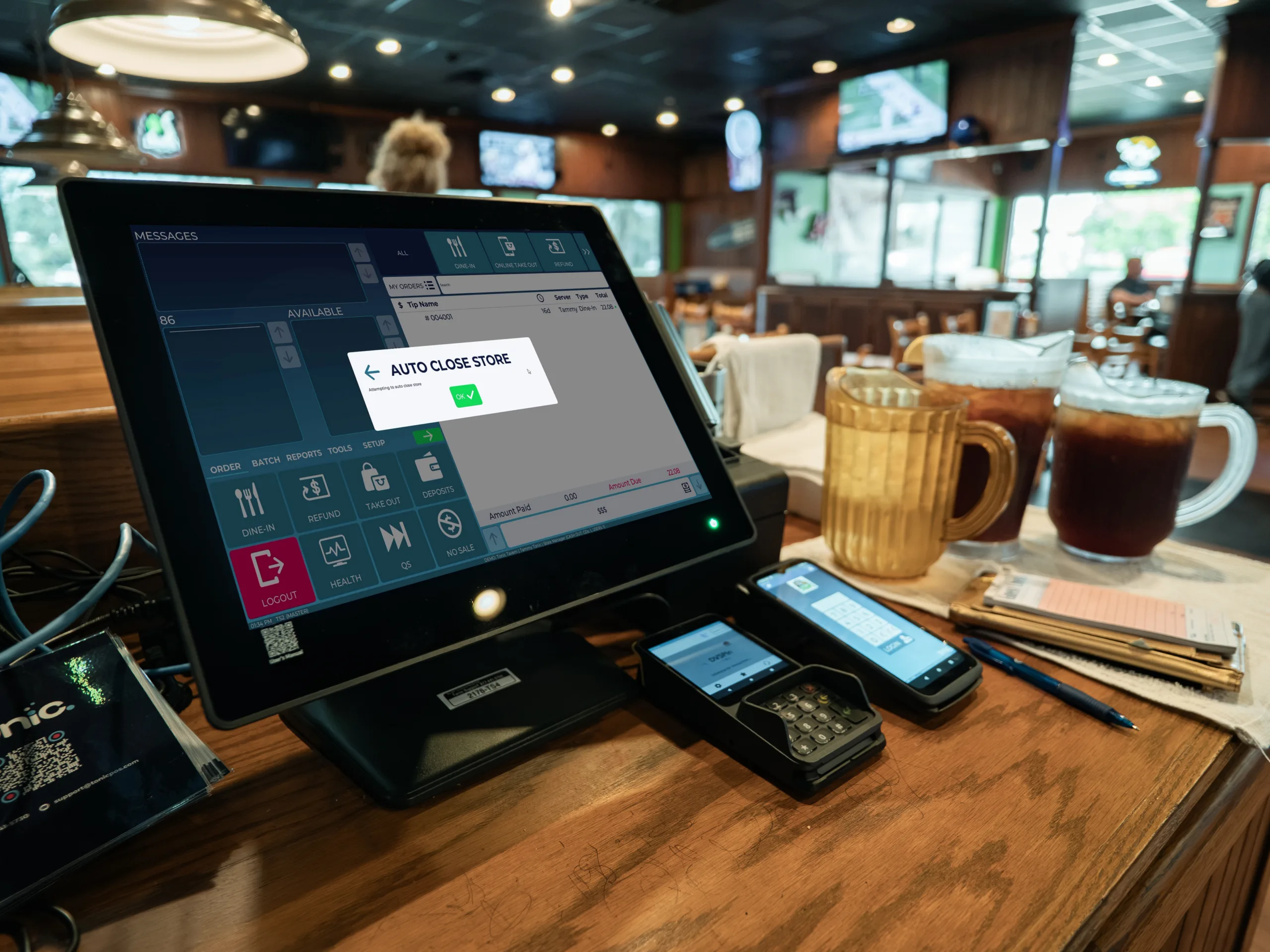
The store closes in the background. You’ll see a short “auto-close in progress” message before you’re sent back to the login screen.
Turning It On and Setting Your Times
Auto-Close is off by default, so nothing changes until you turn it on. To set it up:
- In the Back Office, go to Store Settings and open the Payments tab.
- Turn on “Enable store auto close.”
- Set a close time for each day of the week. The default is 4:00 a.m., but you can choose any hour. Many restaurants set earlier times on slower nights or line them up with bank deposit cutoffs.
- Optionally, turn on front-of-house reminders that appear on every terminal one, two, or three hours before closing.
Setup is controlled by a Back Office permission called BOH auto-close. It isn’t assigned to anyone by default, so you can grant it to a role or to individual employees.
Reminders for Your Staff
If you turn on reminders, a pop-up appears on each terminal with a checklist: settle cash, adjust tips, and make sure every device is online. Anyone can dismiss the pop-up. Reminders are a good way to help staff who are used to closing by hand.
Alerts
Auto-Close uses your existing alert system. To receive alerts, the auto-close alert must be activated for each role or employee who should get it.
- Success: An email summarizes the run, including any orders that were finalized at zero.
- Failure: An email explains what went wrong, such as an offline terminal, and what action is needed. The system retries three times before it reports a failure.
Auto-Close doesn’t change your closed-store report. If you already receive it, it will keep arriving as usual. If you don’t, you can turn it on separately.
When Auto-Close Can’t Finish
Auto-Close depends on your terminals being online. The most common reason a run fails is an offline device. If the store can’t close automatically, you’ll need to close it manually, just as you do today. Your failure alert will tell you what to fix.
What Happens to Your Staff
When the store closes, employees who are still clocked in are clocked out. Any cash an employee owes the restaurant that hasn’t been settled needs to be reconciled with a manager the next day.
Opening in the Morning
Auto-Close closes the store, but it doesn’t reopen it. Staff will need to tap the open button when they log in.
Auto-Close Also Shows You Where Problems Are
Auto-Close can’t fix operational issues, such as staff
Ready to Get Started?
Auto-Close gives your team back time at the end of the night. Contact Tonic Support to talk about turning it on for your store.eaving orders open at the end of the night. What it does is make those issues visible, so owners and managers can address them.
Frequlently Asked Questions
Who can turn Auto-Close on? Anyone with the BOH auto-close permission can set it up. Permission is granted by role or by employee.
Can I change the close time? Yes. You can set a different close time for each day of the week in the Payments tab.
What happens if a close fails? The system retries three times. If it still can’t finish, you’ll need to close the store manually. Failure alerts are emailed if they’re enabled for your user.
Does Auto-Close reopen my store? No. Staff need to reopen the store manually when they log in.
Will I still get my closed-store report? Yes, if you already receive it. Turning on Auto-Close doesn’t change that report. If you don’t receive it today, you can turn it on separately.